VM Scream GCash Deposit Not Showing? How to Track and Resolve
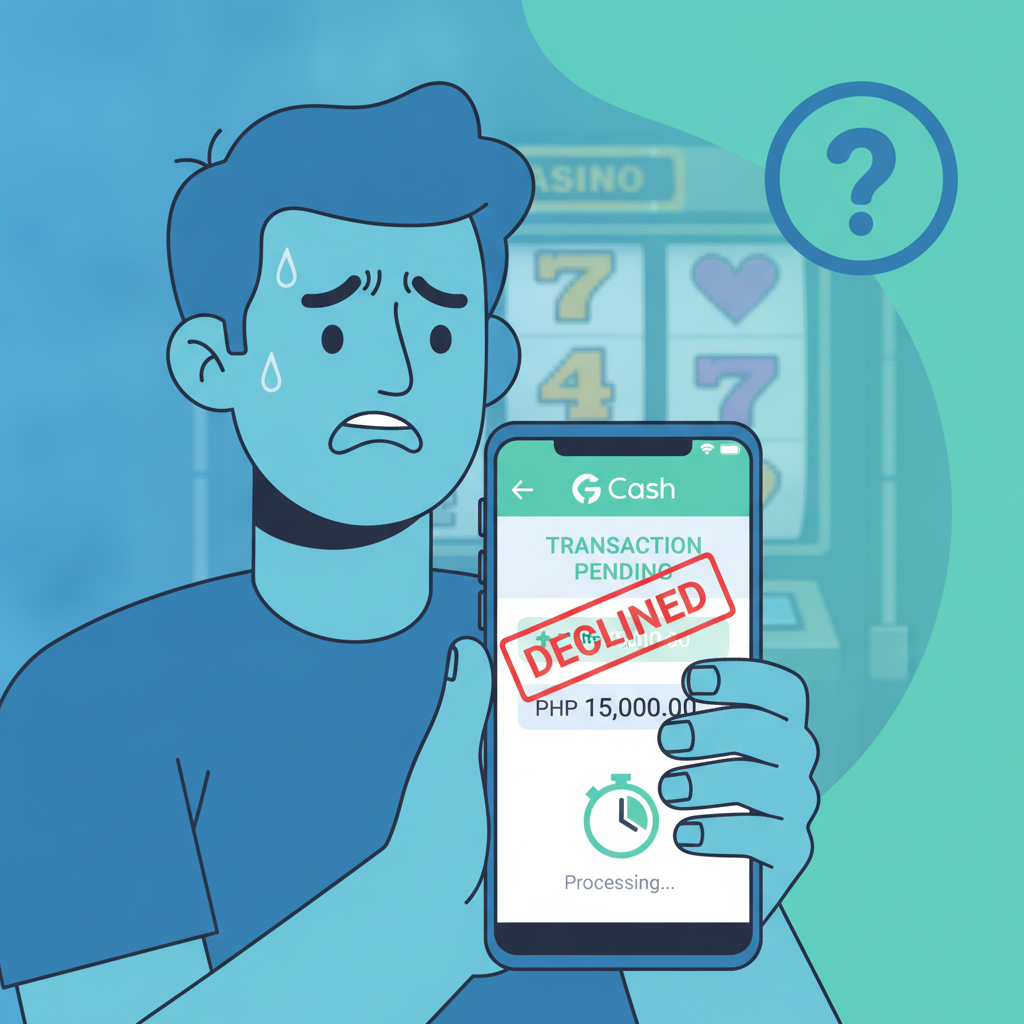
What to Do When Your GCash Deposit Doesn't Appear in VM Scream Balance
If you sent a deposit from GCash to VM Scream but the money hasn't shown up in your casino balance, don't panic. Missing or delayed deposits happen for several reasons: network delays between GCash and the payment processor, maintenance windows, incorrect reference details, or a mismatch between your registered VM Scream account name and your GCash account name.
The first step is to confirm that GCash actually deducted the money from your wallet. If the amount is gone from GCash but not yet credited to VM Scream, you have proof of payment and can escalate to support. If GCash shows the transaction as failed or pending, the issue sits with GCash or your mobile network, not VM Scream.
Most GCash deposits to VM Scream credit within two to five minutes during normal hours. If your deposit is missing after ten minutes, start the verification process below.
Checking Your GCash Transaction History for Proof of Payment
Open the GCash app and tap the menu icon (three horizontal lines) in the top left corner. Select Transaction History or My Transactions. Look for the most recent outbound payment that matches the amount you tried to deposit.
Check the status label beside the transaction. You should see one of three states:
- Success or Completed: GCash has sent your money. The delay is on VM Scream's side or with the payment gateway.
- Pending: GCash is still processing. Wait another five to ten minutes and refresh.
- Failed or Reversed: The transaction did not go through. Your money should return to your GCash wallet within a few minutes to 24 hours.
If the status shows Success, tap the transaction row to open the detailed receipt. Take a screenshot or note down:
- Reference number (sometimes labelled as Transaction ID or Trace Number)
- Exact amount sent, including any GCash convenience fee
- Date and time (timestamp) of the transaction
- Recipient name or biller code (this should match VM Scream or the third-party payment processor they use)
You will need these details when you contact VM Scream support. Do not delete or edit your GCash transaction history until the issue is resolved.
How Long to Wait Before Contacting VM Scream Support
VM Scream deposits via GCash typically process in under five minutes. During peak hours—late evenings, weekends, and right before major PBA or NBA games—the payment gateway can experience heavier traffic, and deposits may take ten to fifteen minutes.
Wait at least 15 minutes from the timestamp on your GCash receipt before reaching out to VM Scream support. If you contact support too early, they may tell you to wait, and you'll need to follow up again later.
If 30 minutes have passed and your GCash transaction history shows Success, it's time to escalate. The longer you wait beyond 30 minutes, the harder it becomes to pinpoint whether the delay is technical or if the deposit was routed to the wrong account.
Before contacting support, also check:
- That you are logged into the correct VM Scream account (if you have more than one registered phone number or email, make sure you're checking the right wallet)
- That VM Scream is not undergoing scheduled maintenance (some operators pause deposits during system upgrades; check their Facebook page or Telegram channel for announcements)
- That your internet connection is stable (a dropped connection during deposit confirmation can cause the balance update to fail on your device, even if the backend processed the payment)
Log out of VM Scream completely, close the app or browser, then log back in. Sometimes a fresh session will trigger the balance to refresh and display the credited amount.
Required Details to Submit (Reference Number, Amount, Timestamp)
When you're ready to contact VM Scream support, gather the following information before opening the chat or sending an email:
- GCash reference number or transaction ID: This is the unique code GCash assigns to every payment. It usually starts with a letter or number combination and is 10–16 characters long. Support uses this to trace the payment in their processor's system.
- Exact deposit amount: Include centavos if applicable. If you deposited PHP 200.00 but wrote "200" without decimals, specify that your GCash receipt shows PHP 200.00. Payment processors match transactions by exact amount.
- Date and time of the GCash transaction: Use the format shown on your GCash receipt (e.g., "Jan 15, 2025, 8:43 PM"). This helps support narrow the search window, especially if you made multiple deposits on the same day.
- Your registered VM Scream username or account ID: Support needs to know which casino wallet to credit. Never share your password, only your username or the email/phone number you used to register.
- Screenshot of your GCash transaction receipt: Most VM Scream support channels accept image uploads via email, Messenger, or file-sharing links. Make sure the screenshot is clear and shows the reference number, amount, timestamp, and recipient name in one frame.
- Your registered GCash account name: VM Scream may verify that the sender name on the GCash transaction matches the name on your VM Scream account. Mismatched names can trigger anti-fraud holds and delay manual crediting.
VM Scream typically offers support through:
- Live chat on their website or app (fastest during Philippine daytime hours)
- Email (response time can range from a few hours to 24 hours)
- Facebook Messenger or Telegram (check VM Scream's official social media pages for verified contact handles)
When you open a ticket, keep your message short and clear:
"My GCash deposit of PHP [amount] on [date, time] has not appeared in my VM Scream balance. GCash transaction is marked as Success. Reference number: [number]. My VM Scream username is [username]. Please credit my account. Screenshot attached."
Most missing-deposit cases are resolved within a few hours once you provide the reference number. If the payment gateway routed your deposit to a holding account or flagged it for manual review, VM Scream's finance team will credit your wallet and confirm by email or in-app notification.
What Happens If the Deposit Cannot Be Traced
In rare cases, the reference number does not appear in VM Scream's payment processor logs. This usually means:
- GCash sent the money to an incorrect biller code (you may have selected the wrong recipient from your GCash favorites or typed a wrong account number if VM Scream uses a cash-in code method)
- The transaction was reversed by GCash after the "Success" label appeared (this can happen if GCash detects fraud or if your linked bank account had insufficient funds at settlement time)
- VM Scream changed payment processors and the old gateway route is no longer monitored
If VM Scream support confirms they cannot locate your deposit, ask them to escalate the case to their payment operations or finance team. Provide your GCash screenshot again and request that they open a dispute with the payment gateway.
At the same time, contact GCash customer service through the GCash app (Help Center → Contact Us → Chat with Genie) or the GCash hotline. Explain that your payment shows as successful but the merchant did not receive it. GCash can issue a trace request or refund if they confirm the money left your wallet but never reached the intended recipient.
Keep records of all support conversations—screenshot chat logs and save email threads. If neither VM Scream nor GCash resolves the issue within five business days, you may need to file a formal dispute with your bank (if your GCash wallet is funded by a linked bank account) or with the Bangko Sentral ng Pilipinas e-money complaints process.
Tips to Avoid Future GCash Deposit Issues
Once your missing deposit is credited, follow these practices for smoother transactions:
- Double-check the recipient name or biller code before confirming payment in GCash. Make sure it matches the official VM Scream deposit channel listed on their cashier page.
- Use the same registered name on GCash and VM Scream. If your GCash account is under a nickname or shortened name, update it to match your government ID or ask VM Scream support if they accept alternate name formats.
- Deposit during off-peak hours when possible. Early mornings and weekday afternoons usually see faster processing than late-night weekend sessions.
- Keep your GCash app updated to the latest version. Older app builds can have bugs that cause transaction status to display incorrectly.
- Save every receipt until the deposit shows in your VM Scream balance. GCash transaction history can take a few minutes to populate, so screenshot immediately after you see the confirmation screen.
- Avoid depositing during VM Scream maintenance windows. If VM Scream announces scheduled downtime (usually early morning hours), wait until systems are back online before sending money.
If you frequently encounter delays with GCash, consider testing an alternative e-wallet like Maya or a direct bank transfer via InstaPay. Some players find that different payment rails have different processing speeds, and Maya deposits may credit faster depending on your bank and mobile network.
21+ Only and Responsible Gambling Reminder
VM Scream is intended for players aged 21 and older. Online casino gaming and sports betting should be treated as entertainment, not a way to make money. Only deposit what you can afford to lose, and never chase losses by sending more money than you planned.
If you feel that gambling is becoming a problem, reach out to a support service or use VM Scream's account tools to set deposit limits or request a self-exclusion period. Keep track of your spending, and take breaks when you need them.
Missing deposits can be stressful, but most cases are resolved quickly once you provide the right documentation. Stay patient, keep your receipts organized, and contact support as soon as you confirm the payment left your GCash wallet.