VM Scream App Download for Android: APK Install and Update Guide
VM Scream App Download for Android: APK Install and Update Guide
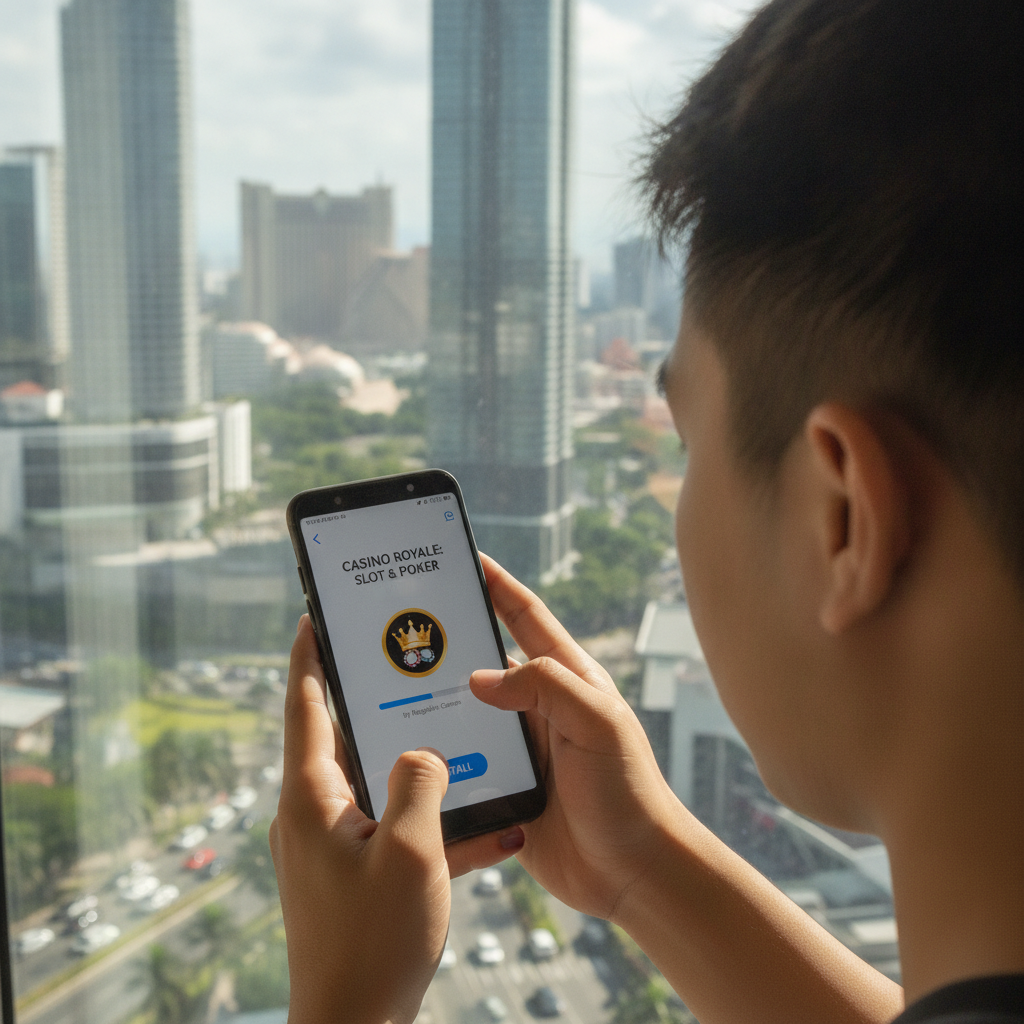
VM Scream offers a dedicated Android app for Filipino players who prefer to bet on slots, live dealer games, and sports from their phone. Because the app is not listed on the Google Play Store—common for real-money casino apps in the Philippines—you'll need to download the APK file directly from VM Scream's website and adjust a few settings on your Android device.
This guide walks through every step: finding the official APK, enabling installation from unknown sources, installing and updating the app without losing your login, and fixing common install errors or storage problems.
This content is for players aged 21 and over. If you feel you are betting more than you can afford, consider setting deposit limits or taking a break.
How to Download the VM Scream APK File Safely
Google Play does not permit real-money gambling apps for the Philippines, so VM Scream distributes its Android app as an APK file. Follow these steps to download it safely:
- Open your Android browser (Chrome, Firefox, or Samsung Internet).
- Visit the official VM Scream website. Type the URL directly or use a bookmark; avoid clicking ads or third-party links that claim to offer the app.
- Look for the "Download App" or "Mobile" banner on the homepage. It's usually at the top of the screen or in the main menu.
- Tap the Android or APK download button. The site will prompt you to save a file, typically named something like
VMScream.apkorVMScream_v1.2.apk. - Confirm the download. Your browser may warn you that APK files can harm your device; this is a standard Android warning for any file installed outside Google Play. As long as you are on VM Scream's official site, tap OK or Download anyway.
The APK file will save to your Downloads folder. Note the file name and size (usually 50–100 MB) so you can find it in the next step.
Why not use a mirror or third-party site? Unofficial APK mirrors may bundle malware or outdated versions. Always download directly from VM Scream to ensure you get the correct app and the latest security patches.
Android Settings: Enable 'Install from Unknown Sources'
By default, Android blocks installation of apps from sources other than Google Play. You need to grant your browser (or file manager) permission to install APK files.
For Android 8.0 and newer
- After the APK finishes downloading, tap Open in your browser's download notification, or open your Files or Downloads app and tap the APK file.
- Android will show a prompt: "For your security, your phone is not allowed to install unknown apps from this source."
- Tap Settings in that prompt. You'll land on a screen titled "Install unknown apps."
- Find your browser (for example, Chrome) in the list and toggle on "Allow from this source."
- Tap the back button to return to the install prompt.
For Android 7.1 and older
- Open Settings → Security.
- Look for "Unknown sources" and tick the checkbox.
- Confirm any warning that appears.
Once the permission is granted, you can proceed to install the VM Scream APK. After installation, you can turn off "Unknown sources" again if you prefer, though you'll need to re-enable it every time you update the app.
Installing the VM Scream App Without Losing Your Login
With the permission in place, installing the APK is straightforward:
- Tap the APK file in your Downloads folder or notification shade.
- Review the permissions the app requests (network access, storage, etc.), then tap Install.
- Wait 10–30 seconds for the installation to complete.
- Tap Open to launch VM Scream, or tap Done and find the VM Scream icon on your home screen or app drawer.
Logging in for the first time
When you open the app, you'll see the VM Scream login screen. Enter the username and password you created on the website. If you've never registered, you'll need to complete sign-up on the VM Scream site first (or use the "Register" button in the app, if available).
Your account, balance, and bet history are stored on VM Scream's servers, so logging in from the app will sync everything automatically. You won't lose any funds or open bets by switching from the mobile browser to the app.
Staying logged in
The app will keep you logged in until you tap "Log Out" or clear the app's data. If you share your phone, consider logging out after each session to protect your account.
Updating the App Without Losing Your Login
VM Scream releases updates to fix bugs, add new games, and improve GCash and Maya deposit flows. Because the app is not on Google Play, updates will not happen automatically. Here's how to update manually:
- Check for a new version. VM Scream may show an in-app banner or push notification when an update is available. You can also visit the website and tap "Download App" to see if the version number is higher than your installed version (look under Settings → About in the app).
- Download the new APK following the same steps as the original install.
- Tap the new APK file. Android will recognize that VM Scream is already installed and show an "Update" or "Install" button.
- Tap Update. The process takes a few seconds.
- Open the updated app. You should still be logged in; your username, balance, and settings carry over.
If you've logged out or cleared app data before updating, you'll need to log in again with your credentials. Otherwise, the update is seamless.
Do I need to uninstall the old version first? No. Installing a new APK over an existing app preserves your data. Only uninstall if you're troubleshooting a serious problem.
Troubleshooting Install Errors and Storage Issues
Occasionally you may hit a snag during download or installation. Here are solutions to the most common problems:
"App not installed" or "Installation failed"
- Not enough space. APK files are 50–100 MB, but Android needs extra room to unpack and install. Free up at least 200 MB by deleting old photos, videos, or unused apps.
- Corrupted download. If your connection dropped mid-download, the APK may be incomplete. Delete the file from Downloads and download it again on a stable Wi-Fi or mobile-data connection.
- Conflicting signature. If you previously installed a modified or unofficial version of VM Scream, the signatures won't match. Uninstall the old app completely, then install the official APK. (You'll need to log in again, but your account and balance are safe on VM Scream's servers.)
"There was a problem parsing the package"
This means the APK file is damaged or incompatible. Delete it and re-download from VM Scream's official site. Make sure your Android version is 5.0 or newer; very old devices may not support the app.
Download won't start or gets stuck
- Browser cache. Clear your browser's cache and cookies under Settings, then try downloading again.
- Mobile data restrictions. Some networks block large downloads over mobile data. Switch to Wi-Fi or enable "Download over mobile data" in your browser settings.
App crashes or won't open after install
- Restart your phone. A simple reboot often clears memory issues.
- Reinstall. Uninstall the app, restart your phone, then download and install the APK again.
- Check Android version. VM Scream requires Android 5.0 or higher. Go to Settings → About phone to confirm your version.
Not enough storage even after deleting files
- Clear app caches. Go to Settings → Storage → Cached data and clear it. This frees space without deleting personal files.
- Move media to an SD card. If your phone has a microSD slot, move photos and videos to the card to free internal storage for the app.
If problems persist, try downloading the APK on a different browser (for example, Firefox if you were using Chrome) or contact VM Scream support through live chat on their website.
Why Use the VM Scream App Instead of the Mobile Browser?
The APK install process adds a few extra steps, but the app offers several practical advantages for regular players:
- Faster load times. Games and live dealer tables open more quickly because assets are cached locally.
- Push notifications. Get alerts for deposit confirmations, withdrawal status updates, and new promotions without opening your browser.
- One-tap access. Launch VM Scream from your home screen instead of typing a URL or finding a bookmark.
- Smoother GCash and Maya flows. The app can hand off payment requests to your e-wallet apps more reliably than a mobile browser.
That said, the mobile website offers the same games, odds, and cashout options. If you prefer not to manage APK updates, the browser experience works just as well.
Responsible Gambling Reminder
VM Scream is intended for players aged 21 and over in the Philippines. Gambling should be entertainment, not a way to make money. If you find yourself chasing losses, betting more than you planned, or feeling anxious about your balance, take a break. Many players set daily deposit limits through customer support or use app timers to control session length. Help is available through the National Council on Problem Gambling if you need it.
Summary
Downloading and installing the VM Scream Android app requires a few manual steps—grabbing the APK from the official site, enabling unknown sources, and managing updates yourself—but the process is straightforward once you know where to look. Keep your APK downloads on the official VM Scream website, make sure you have enough storage space, and remember that updates won't happen automatically. Your login, balance, and bet history stay intact through installs and updates because everything syncs with VM Scream's servers.
For help with GCash deposits, withdrawal times, or pending cashouts, explore the other guides on this site. Play responsibly, and enjoy the convenience of mobile betting from anywhere in the Philippines.